

Dear client,
June keeps delivering new updates. This time the focus is on Messages: smart filters, flags for important emails, preview before sending and attachments always at hand. Plus, an even clearer document management inside your properties.
Don't waste any more time, check out what's new on nestermind right now!
Messages: find what matters, instantly
Filter and flag. Miss nothing.
When messages pile up, the risk is missing the ones that actually need action. With the new filters and flagging feature, you always know what needs doing — and what can wait.
- New smart filters
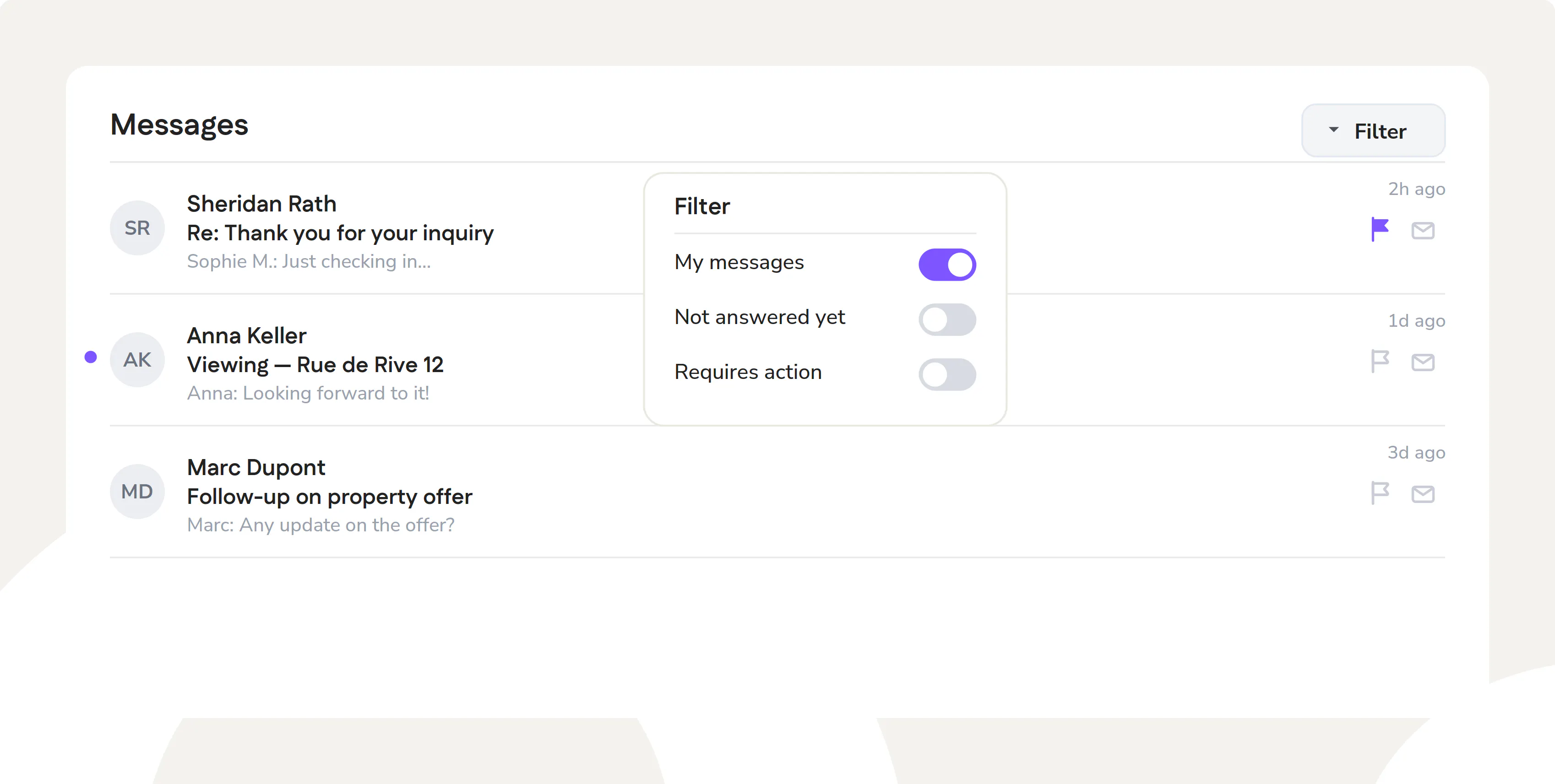
Three new filters in the Messages module: My messages, Requires action and Not yet answered. One click and you see exactly what's waiting for you, without scrolling through the whole list.
- Flag important emails
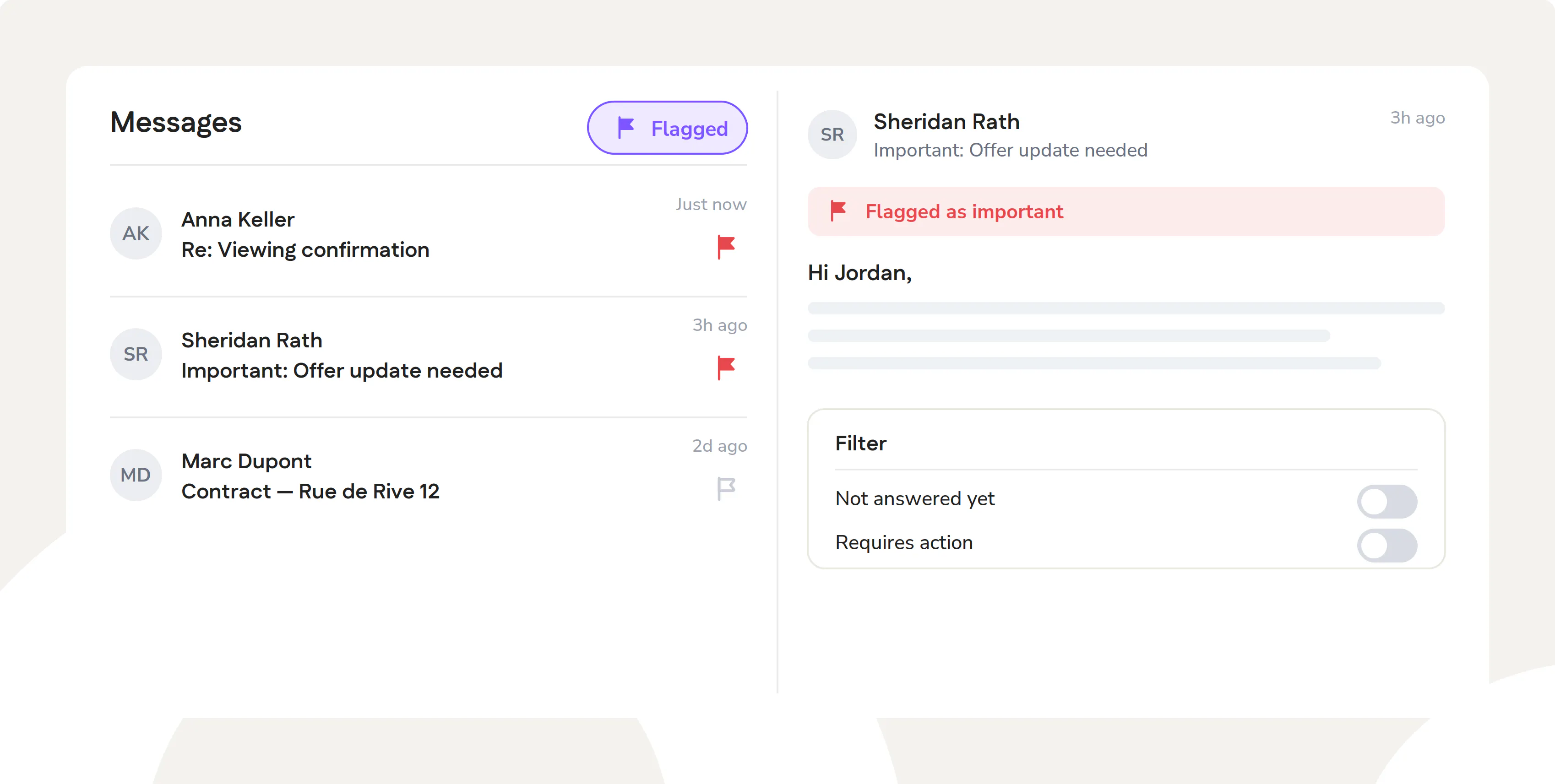
Add a flag to the emails you don't want to forget and filter to show exactly those. Your priorities stay visible at all times, even when the inbox is full.
Create a Search Profile from a
conversation
From the message to the right property, without switching screens.
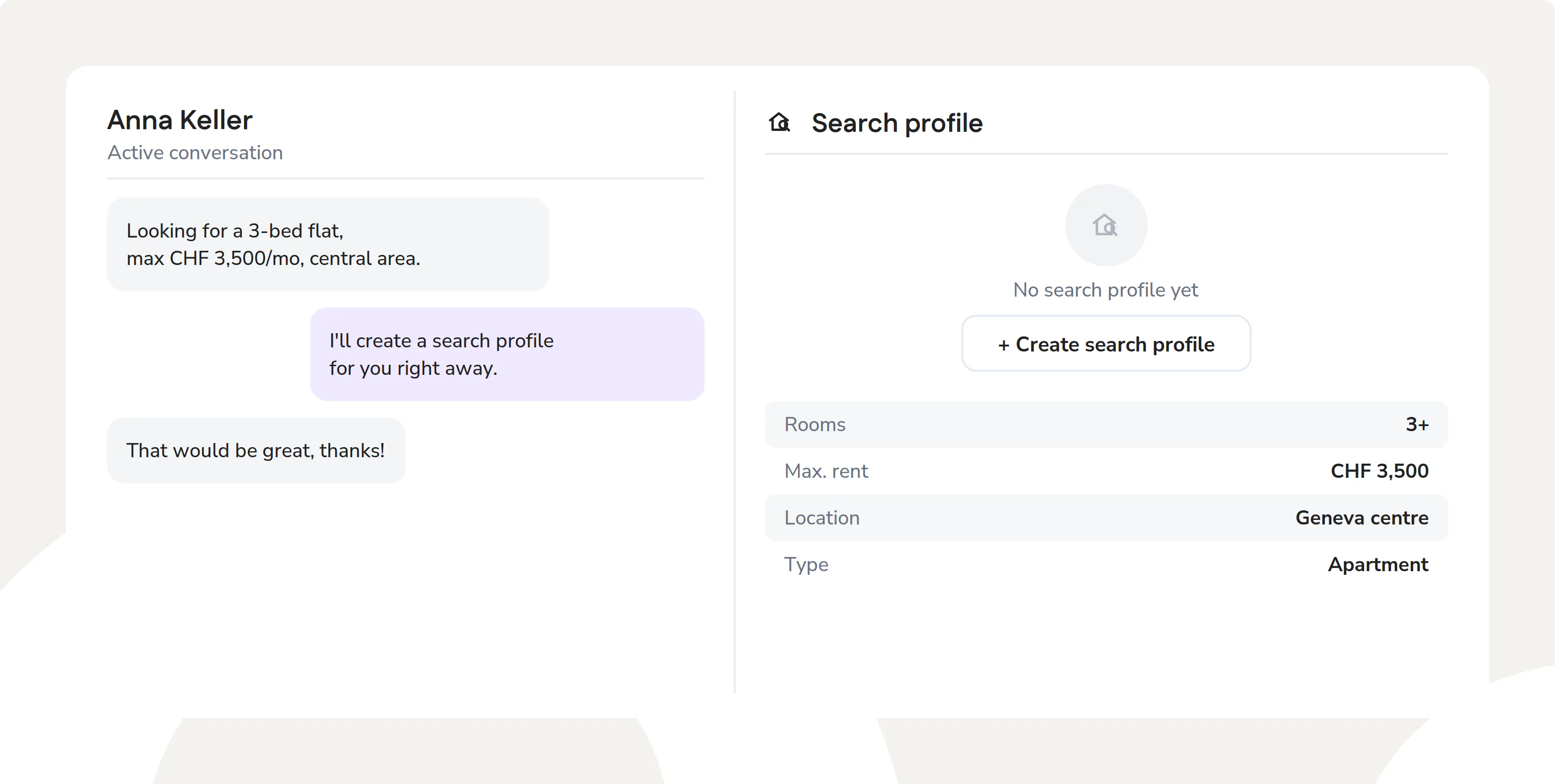
A contact writes to you and you immediately understand what they're looking for? Now you can create their Search Profile directly from the conversation, without opening another section. The context is already there, start using it right away.
Email: check first, send after
No more last-second mistakes, you have everything under control.
Two small updates for a big difference in your daily routine.
- Email preview before sending
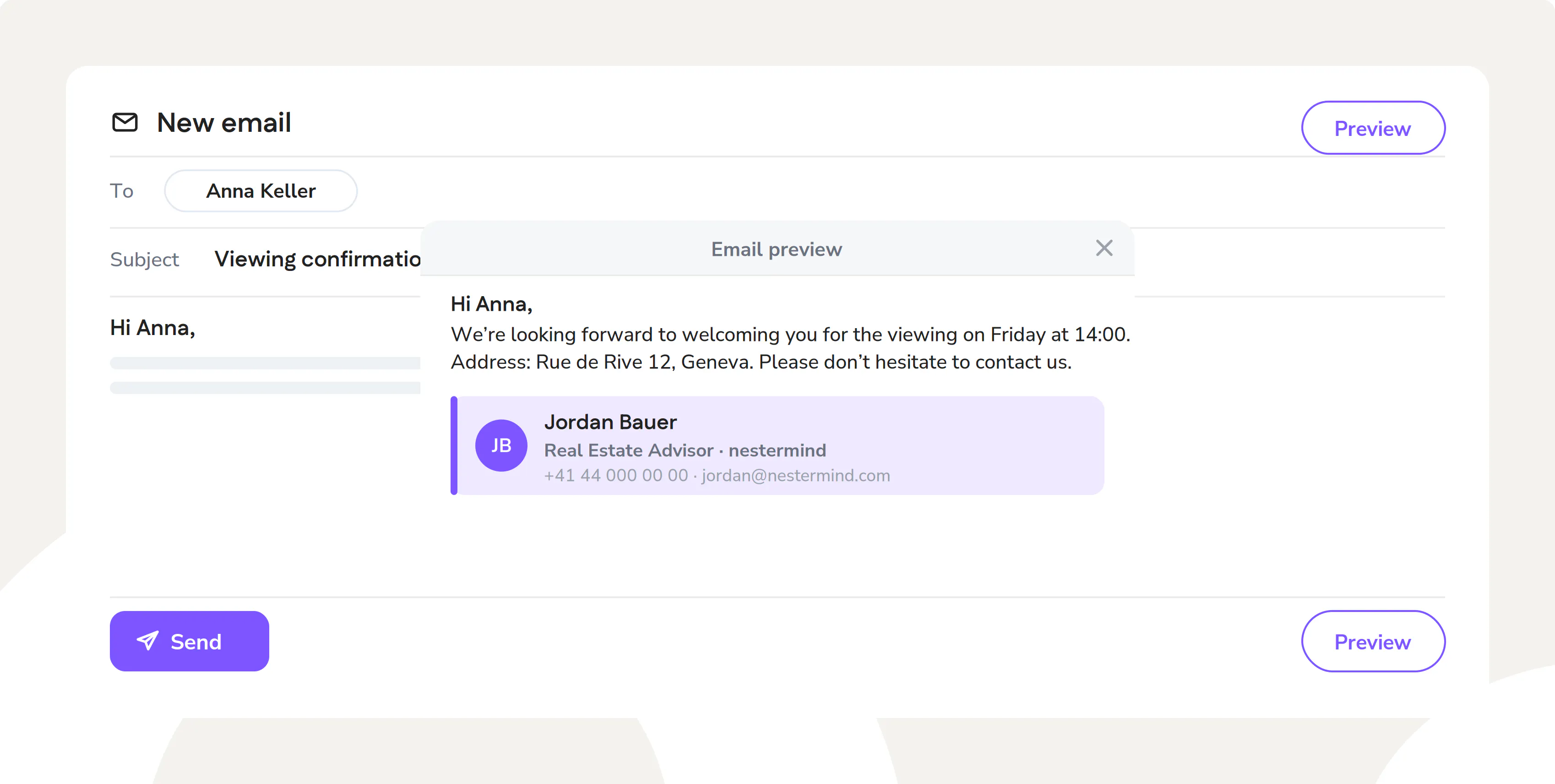
Before sending, click Preview and see exactly how the message will look to the recipient: layout, signature, filled variables. No surprises.
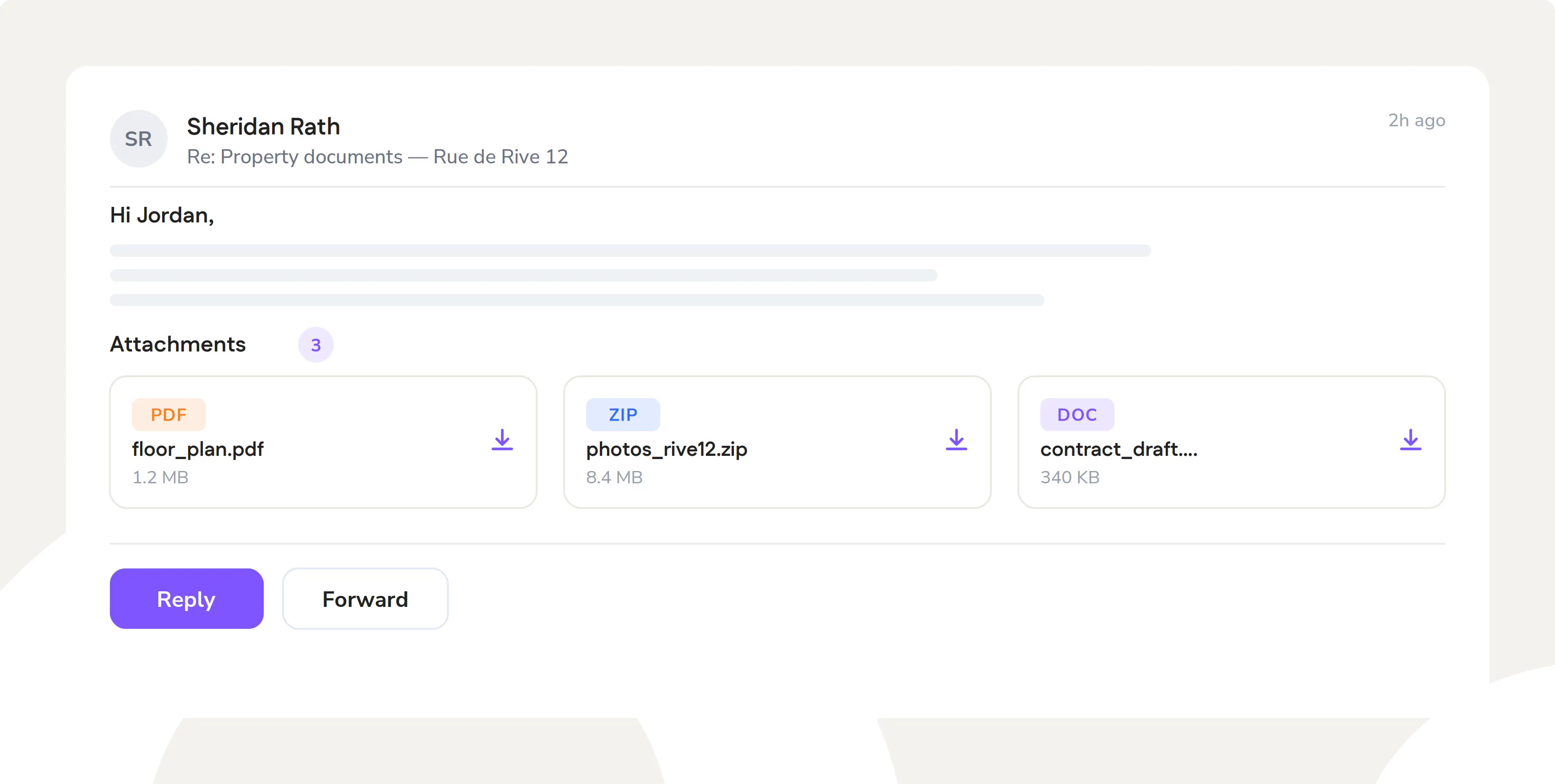
- Attachments directly in the email
View and download attachments directly from the message window, without opening external tools. Everything stays in the workflow, without interruptions.
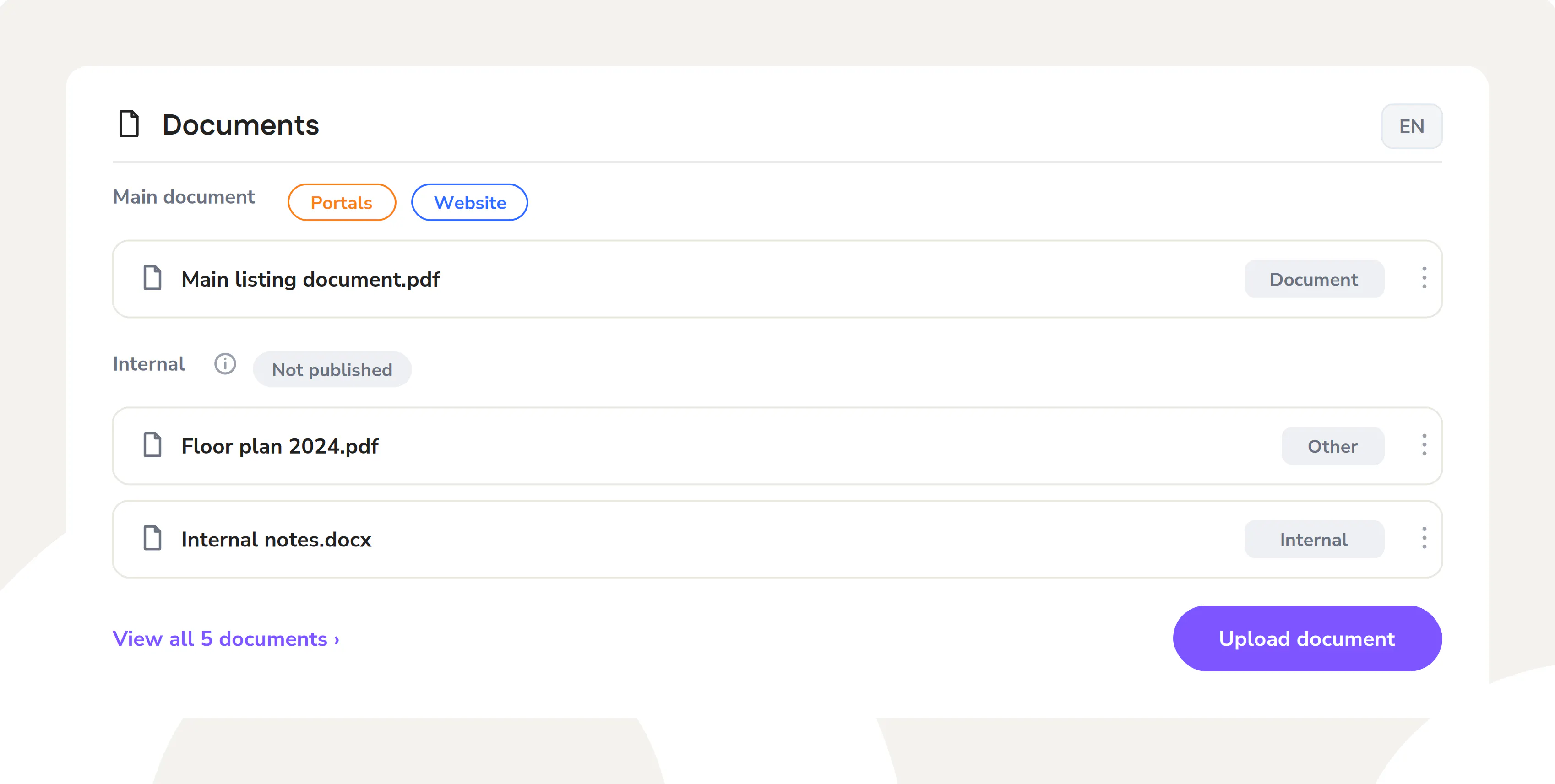
Property documents: finally clear
You instantly know what's public, what's internal and where it belongs.
Managing a property's documents shouldn't be a puzzle. We redesigned the section to make the difference between the main document, portal files, website materials and internal documents immediately clear. Every type in its place, with a label that leaves no doubt.
Visit us at nestermind.com.