

NESTERMIND AI STUDIO
LinkedIn posts that stand out.
From photo to finished post.
LinkedIn is where real estate professionals win reach and mandates – but good posts take time. The Studio turns your listing photos into a finished post: AI copy in your tone, on-brand design and, if you like, an image carousel.
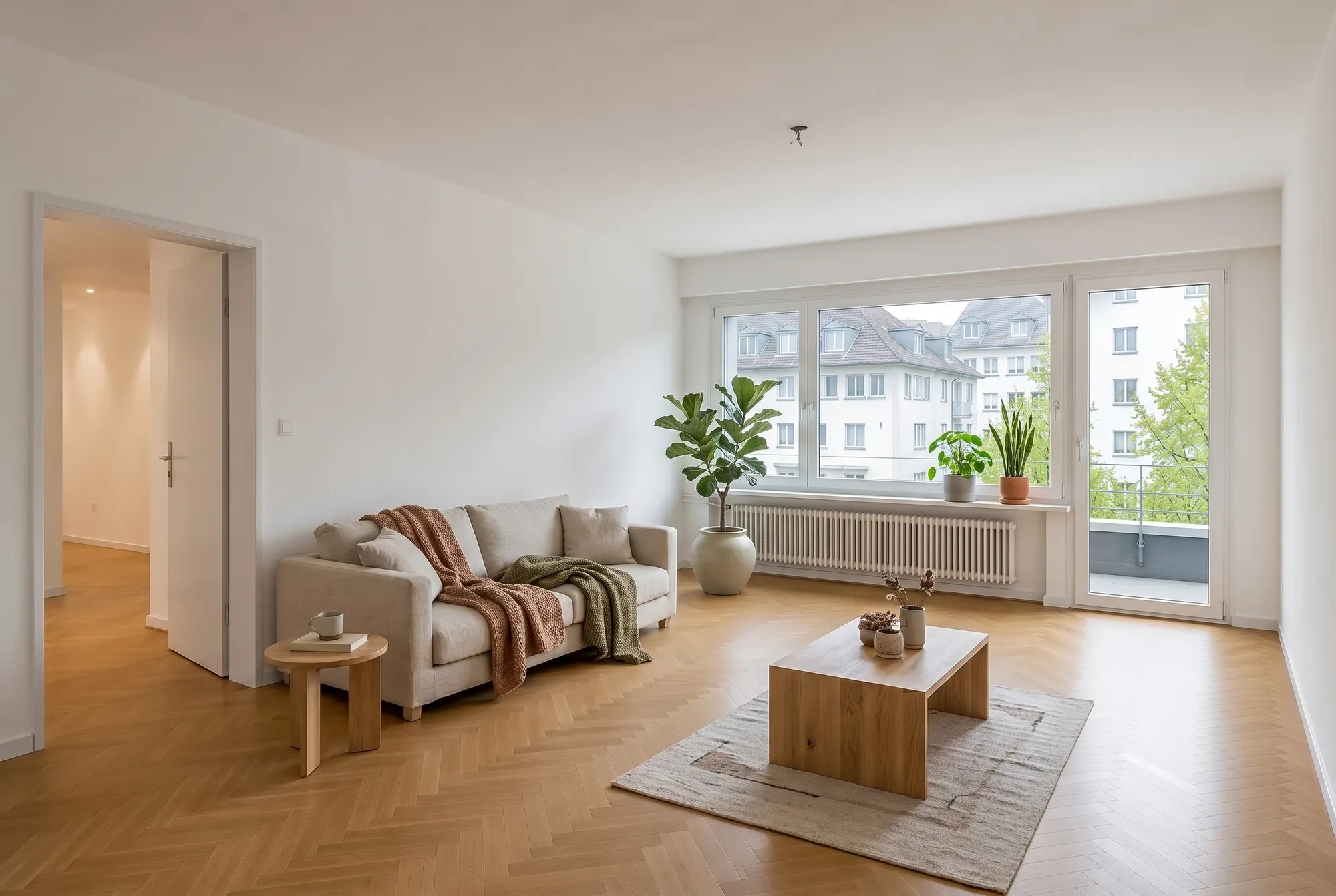
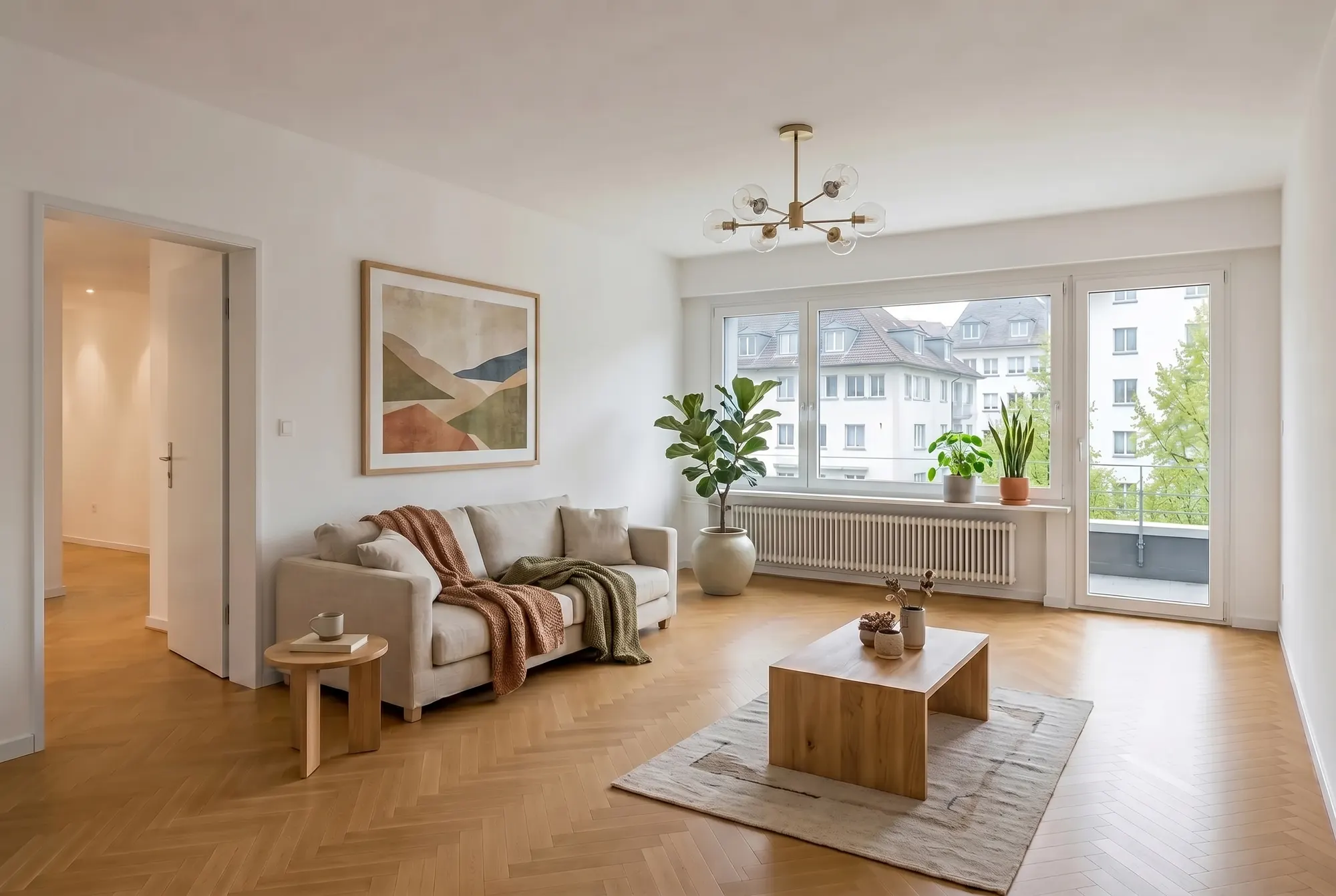
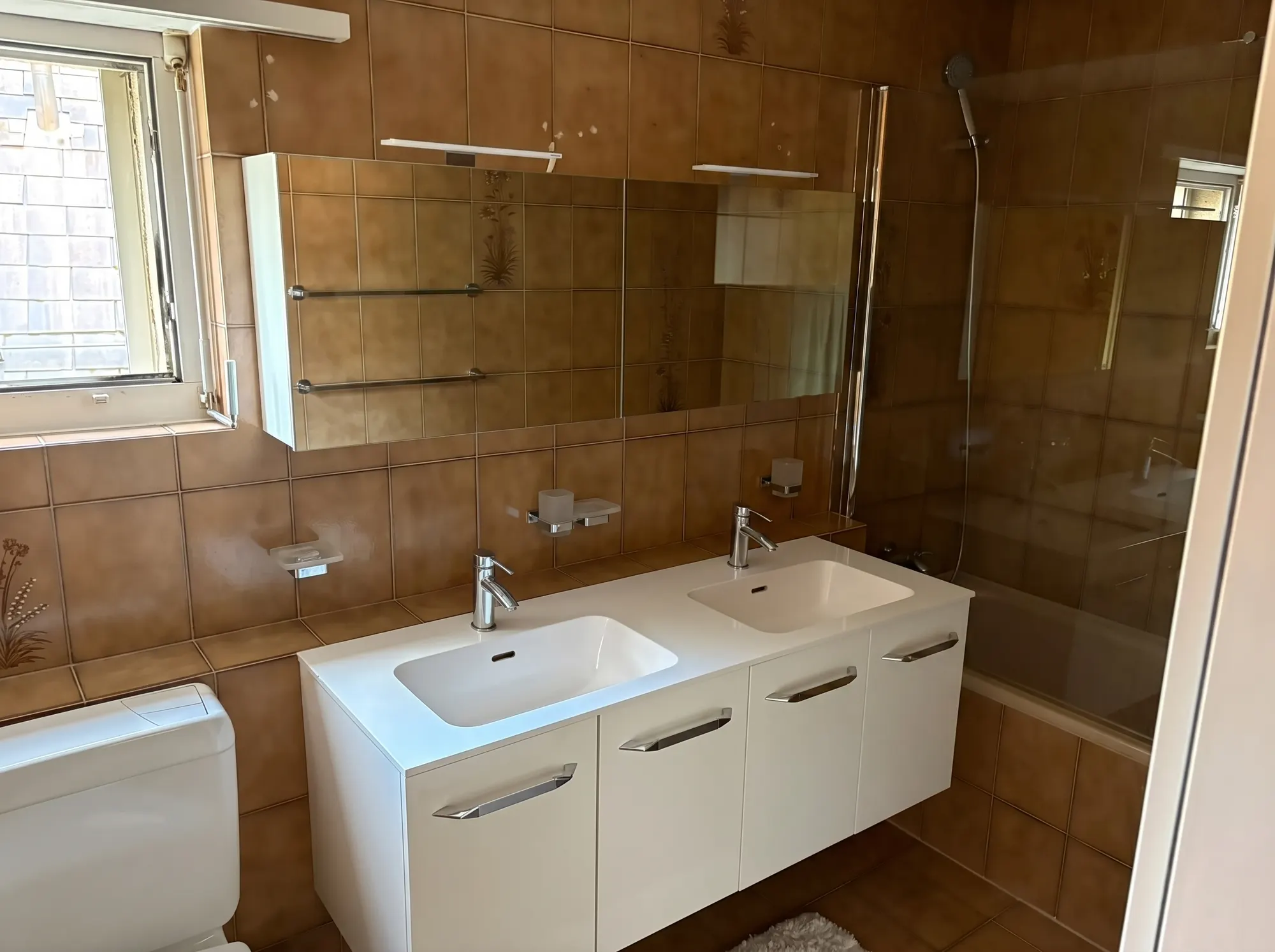 On-brand
How your LinkedIn post comes together
From photos to post – in three steps.
Pick photos
Choose the best photo – or several for a carousel.
Adjust copy & design
The AI writes the post from your listing data; layout, colours and logo come from your branding. Everything stays editable.
Post it
Download the image, copy the text, publish – done.
01. Live composer
You type, the preview follows
The split editor shows the copy on the left and the finished design on the right – every change appears instantly in the preview.
Open the composerOn-brand02. On-brand
Your logo, your colours, your tone
Set up your branding once and post consistently forever: logo, colour palette and sender details are part of every post automatically.
Set up branding03. Carousels & flyers
More than a single image
The same photos become scrollable image carousels and print-ready flyers – one piece of content, several formats.
See the formatsFrequently asked questions
Everything about this tool – answered honestly.
How can real estate agents create LinkedIn posts faster?
Upload your listing photos to the Studio: the AI writes the post copy from your listing data and designs the image on-brand with your logo and colours. Adjust both in the live composer and export the finished post.
Does the AI write the copy entirely by itself?
It delivers a draft from the listing data – title, text and tone are freely editable. The best posts combine the AI draft with a personal note, like your take on the location.
What makes a good real estate post on LinkedIn?
A strong visual, a short story instead of bare facts, and a clear closing line. The Studio covers design and copy structure – you add the personal perspective your network wants to see.
Can I post several images as a carousel?
Yes. Select several photos and the Studio creates an image carousel in a consistent design – ideal for showing several rooms or a before/after effect.
Does my branding stay consistent?
Yes. Logo, colours and sender details come automatically from your saved branding – every post looks like it came from one hand, whenever and for whichever listing you create it.
Get more out of your photos
One upload, many tools: these tools work with the same listing photos.
Your next post in five minutes
Upload photos and export copy and design – free, right in your browser.