

NESTERMIND AI STUDIO
Property videos from your photos.
Minutes, not days.
Video gets a multiple of the reach of photos on social media – but hiring a videographer rarely pays off for every listing. The Studio turns your listing photos into a short, branded reel: your logo, AI-written captions and the right format for every platform.
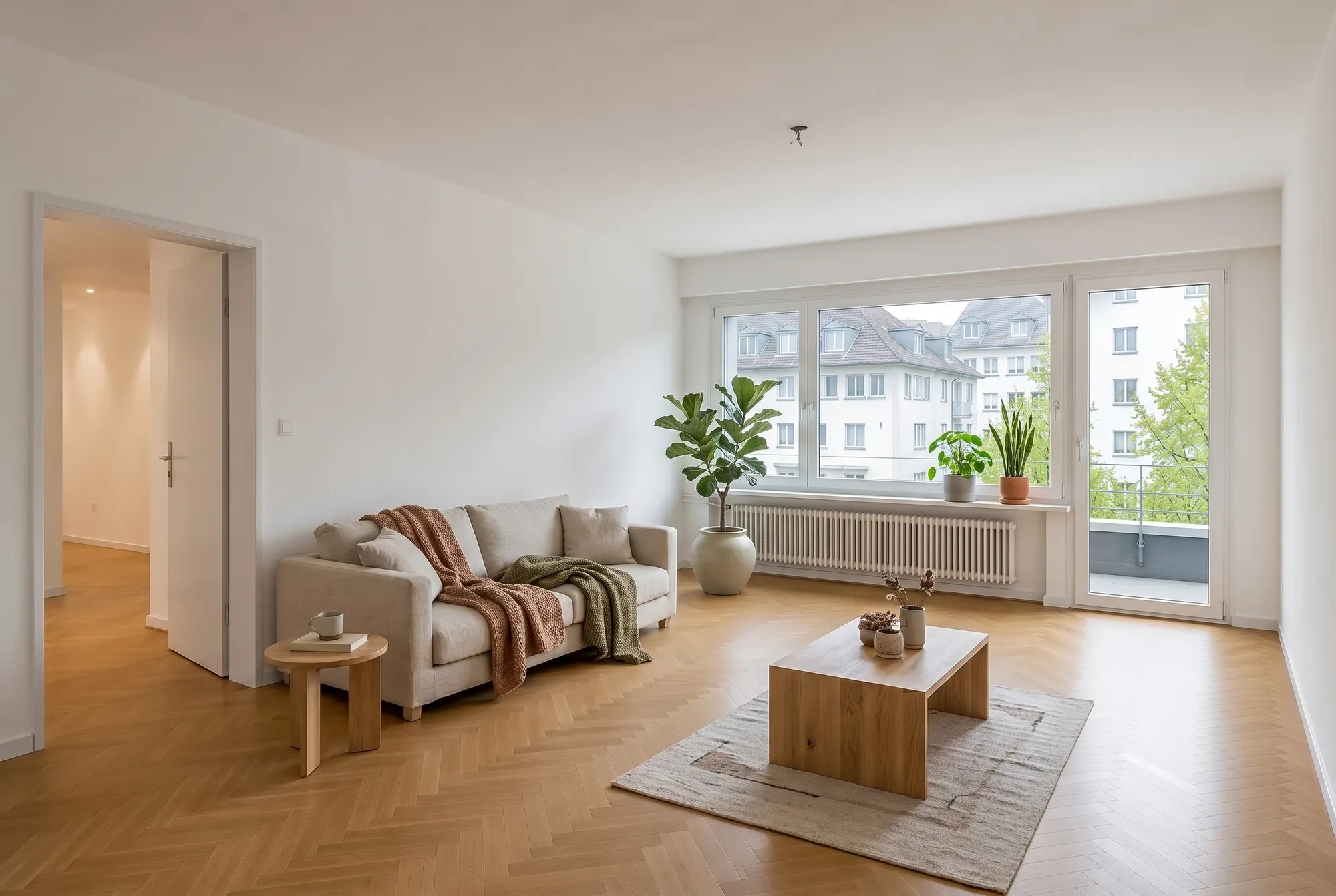
How your property video comes together
From photos to a finished reel – in three steps.
Upload photos
Pick your best listing photos – the Studio puts them in the right order.
Adjust style & copy
Choose format (9:16, 1:1, 16:9), pace, colours and intro/outro – the AI writes matching captions you can edit freely.
Export & post
Download the video and publish it on Instagram, LinkedIn or your portal.
01. Every platform
Reels, stories, posts – one click per format
Vertical for Instagram and TikTok, square for feeds, landscape for portals and presentations: the same video, automatically framed right.
See formats02. Your branding
Logo, colours and intro included
The video carries your brand: logo overlay, brand colours, intro and outro with your details – consistent on every listing.
Set up branding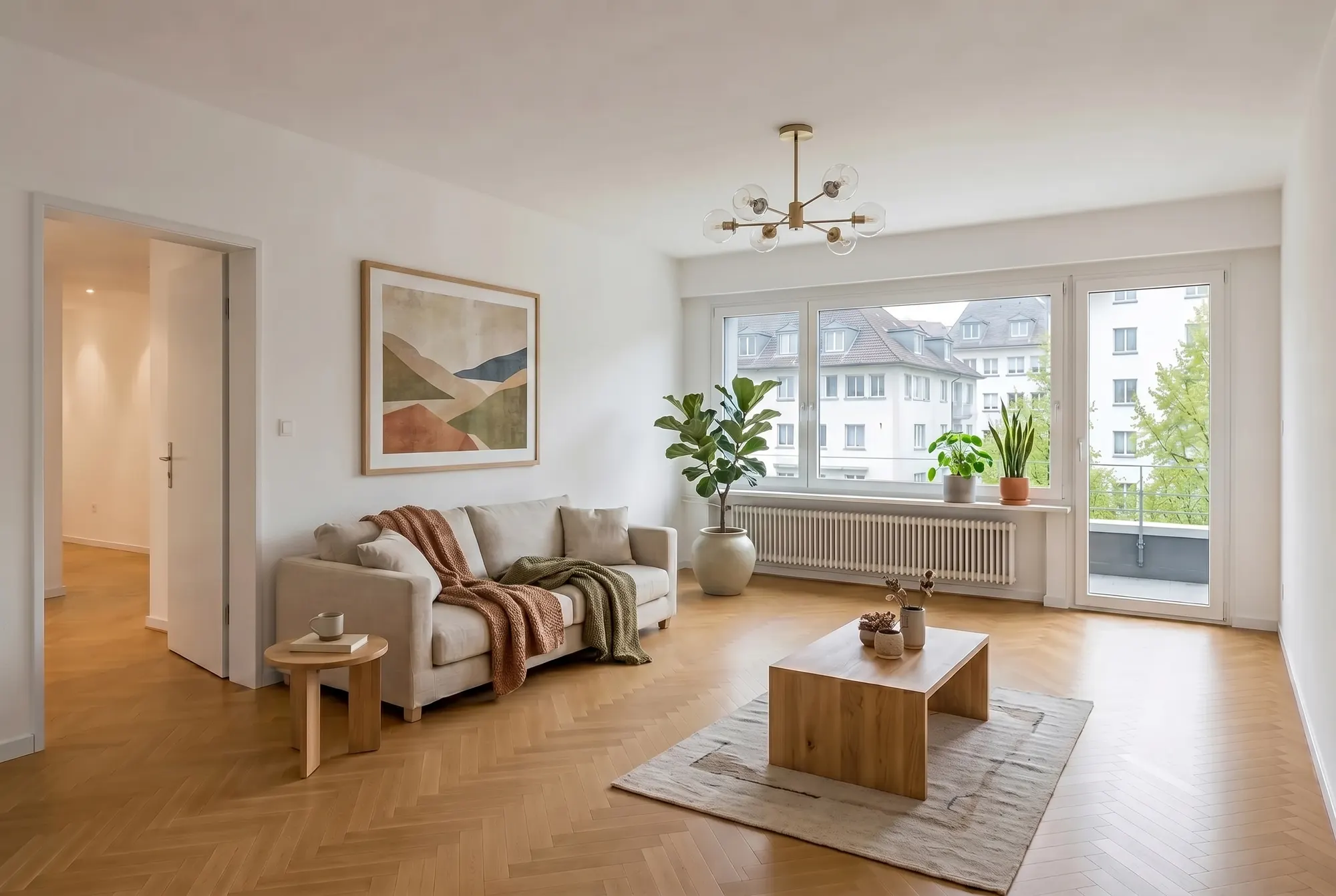
03. AI copy
Captions that sell
The AI writes titles and captions from your listing data – you stay in control and can edit every line before exporting.
Generate copyProperty videos that work in the feed
Video is the format Instagram, LinkedIn and the portals favour — and the only one that conveys a real sense of space. Here's how existing photos become a video that sticks.
Why video wins in property marketing
Feeds surface videos far more often than static images, and people watch longer. For marketing, that means the same property reaches a multiple of the contacts of a photo post as a reel — with no shoot, because you already have the material. A video walks through the property like a tour: sequence, rhythm and motion create a sense of space a photo gallery can't match.
The right format for every channel
Portrait 9:16 belongs to Instagram Reels and Stories; landscape suits LinkedIn, your website and the exposé. Choose the pace for the audience: calm cuts and subtle motion for the premium segment, faster transitions for social media. An intro with your logo and an outro with contact details keep every video recognisably yours — colours and logo come straight from your branding profile.
What makes a good property reel
The first two seconds decide: open with your strongest photo — the view, the wow room, or the façade in its best light. Five to eight images are enough; more dilutes the effect. Since feeds start muted, text overlays carry the key facts: rooms, area, location. End with one clear next step — request a viewing or follow the profile.
From photo to finished video — no editing software
You pick the photos and their order; the Studio handles cutting, transitions and animation. Format, pace, motion and colour theme are set with a click; every text overlay stays editable, and on request the AI drafts the copy from your property data. Download the finished video and publish it directly — on social media, in the listing or in your newsletter.
Frequently asked questions
Everything about this tool – answered honestly.
How do I create a property video without a videographer?
Upload your listing photos to the Studio and pick a format and style – the tool animates them into a short reel with transitions, your branding and AI-written captions. No editing skills required.
Which formats does the video tool support?
Vertical 9:16 for Instagram Reels, Stories and TikTok, square 1:1 for feeds, and landscape 16:9 for portals, websites and presentations – the same video, automatically framed correctly.
Can I adjust the copy and the design?
Yes. All AI copy – titles, captions, intro and outro – is freely editable. You also control pace, motion, colour scheme and the order of the photos in the editor.
What are property reels good for?
New-listing posts, open-house announcements and just-sold stories: short videos get significantly more reach than photos on Instagram and LinkedIn and position you as a modern agent.
Do I need video experience?
No. The Studio handles cuts, transitions and timing – you just pick photos, style and copy. Your first video exports in a few minutes.
Get more out of your photos
One upload, many tools: these tools work with the same listing photos.
Your first listing reel in five minutes
Upload photos, pick a style and export your video – free, right in your browser.