

NESTERMIND AI STUDIO
Enhance real estate photos.
One click, no photo course.
The first photo decides whether a listing gets clicked. The Studio gets the most out of every shot: corrects exposure and colours, swaps grey skies for blue, turns daytime exteriors into atmospheric twilight shots and straightens converging lines – automatically.
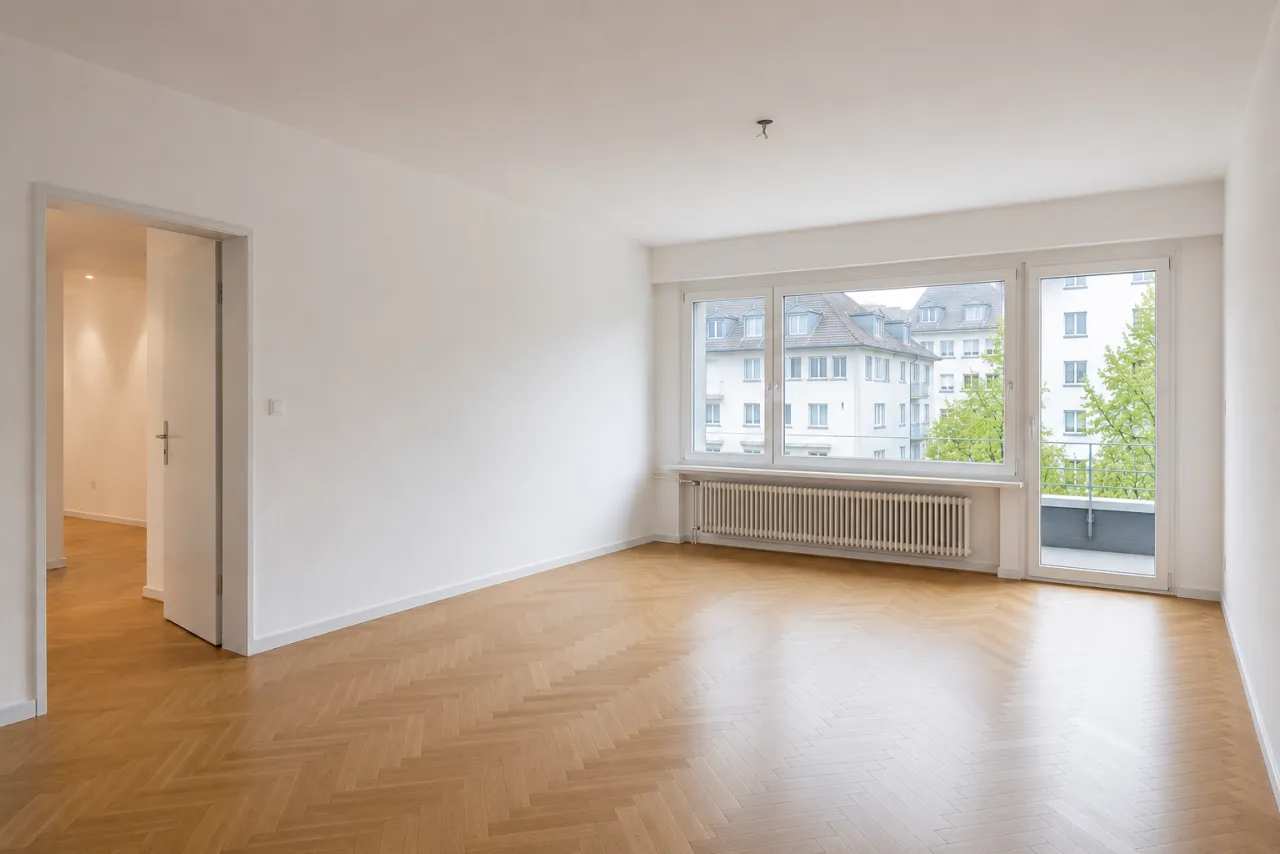
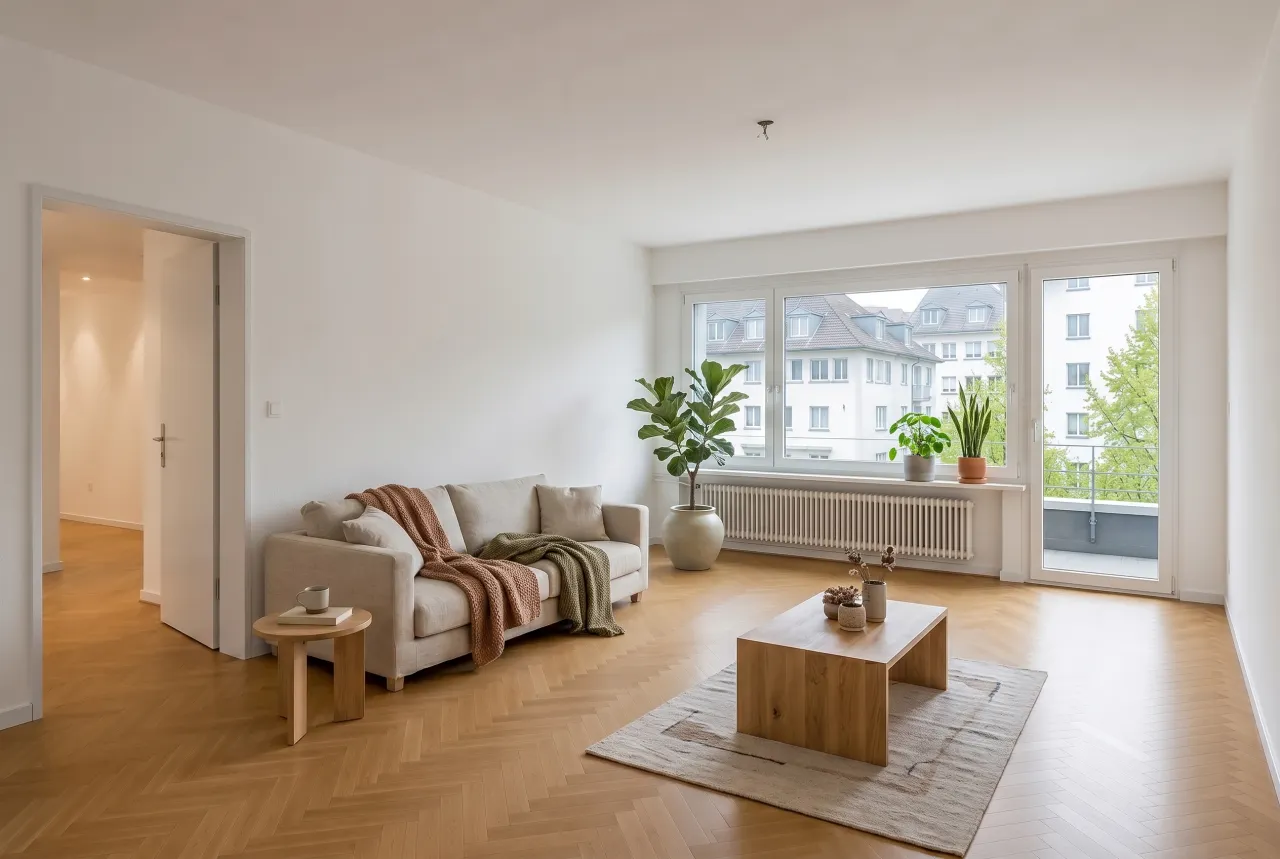 OriginalEnhanced
How to enhance your photos
From the original to a listing-ready photo – in three steps.
Upload photos
Single shots or the whole shoot – phone photos work too.
Pick an effect
Auto enhance, blue sky, twilight or perspective fix – one click each.
Compare & download
Check before/after, download your favourites and use them in the listing.
01. Auto enhance
Exposure and colours, fixed automatically
Dark rooms, backlight, colour casts: the AI corrects exposure, contrast and white balance without making the photo look artificial.
Enhance a photoOriginalEnhanced02. Blue sky
Grey sky? Replaced.
Overcast shots look dull. The sky effect replaces grey with a natural blue – reflections and lighting adjust to match.
Swap the sky03. Twilight
The twilight look for exteriors
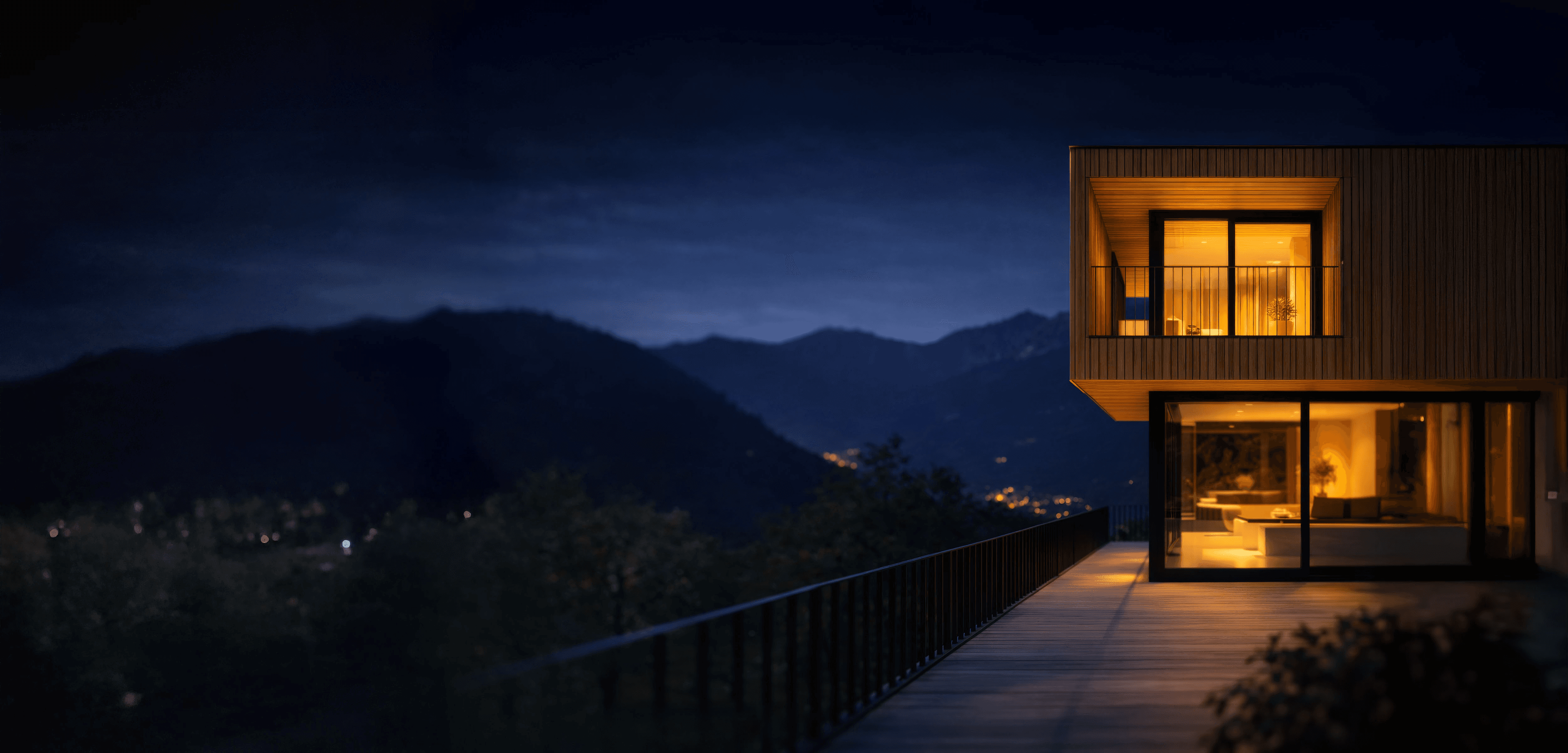
Twilight photos are the classic of real estate photography: warm windows, blue hour. The AI creates the look from a normal daytime shot.
Try twilight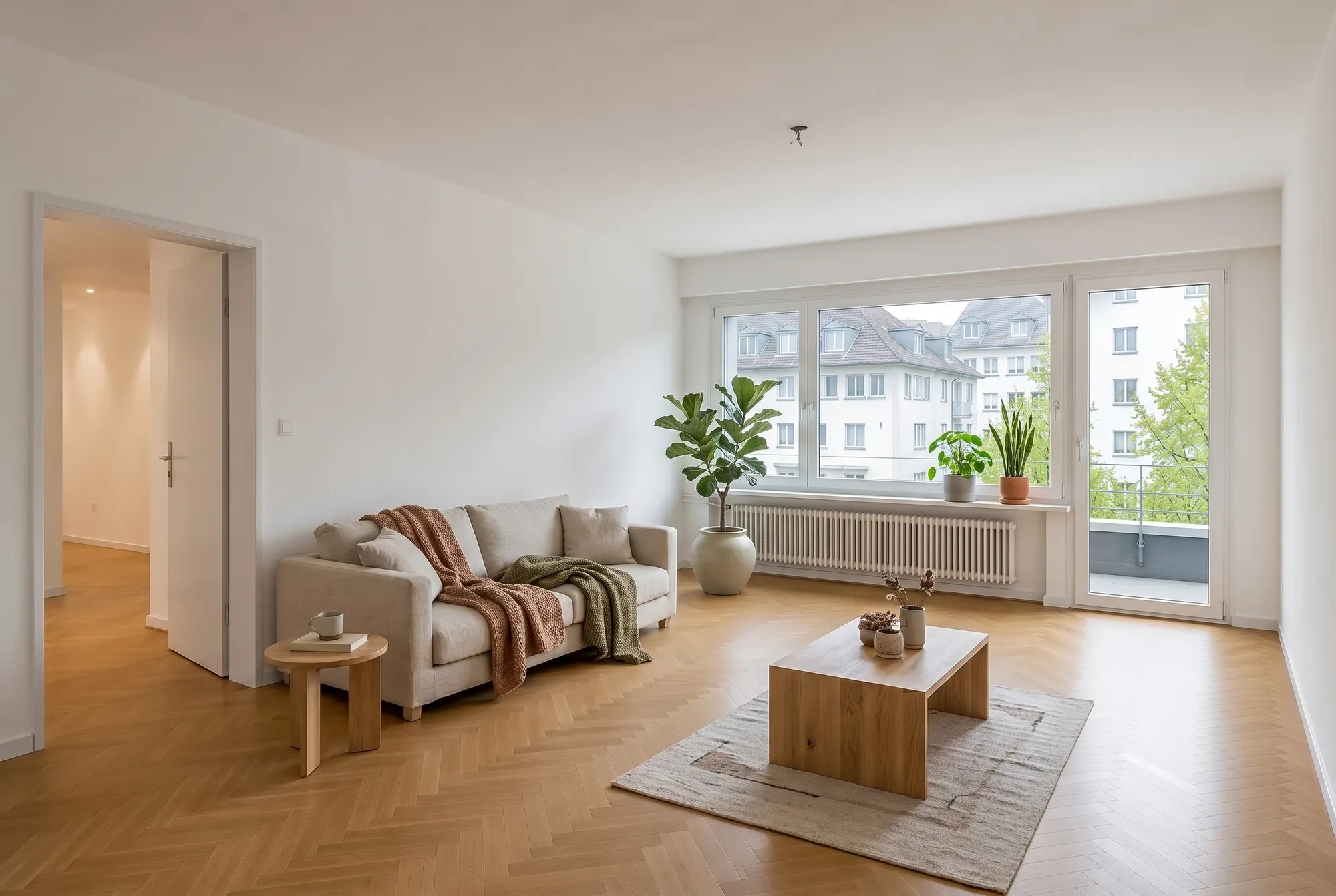
04. Perspective
Straighten converging lines
Tilted walls make photos look unprofessional. The perspective fix straightens lines – as if shot with an architecture lens.
Straighten lines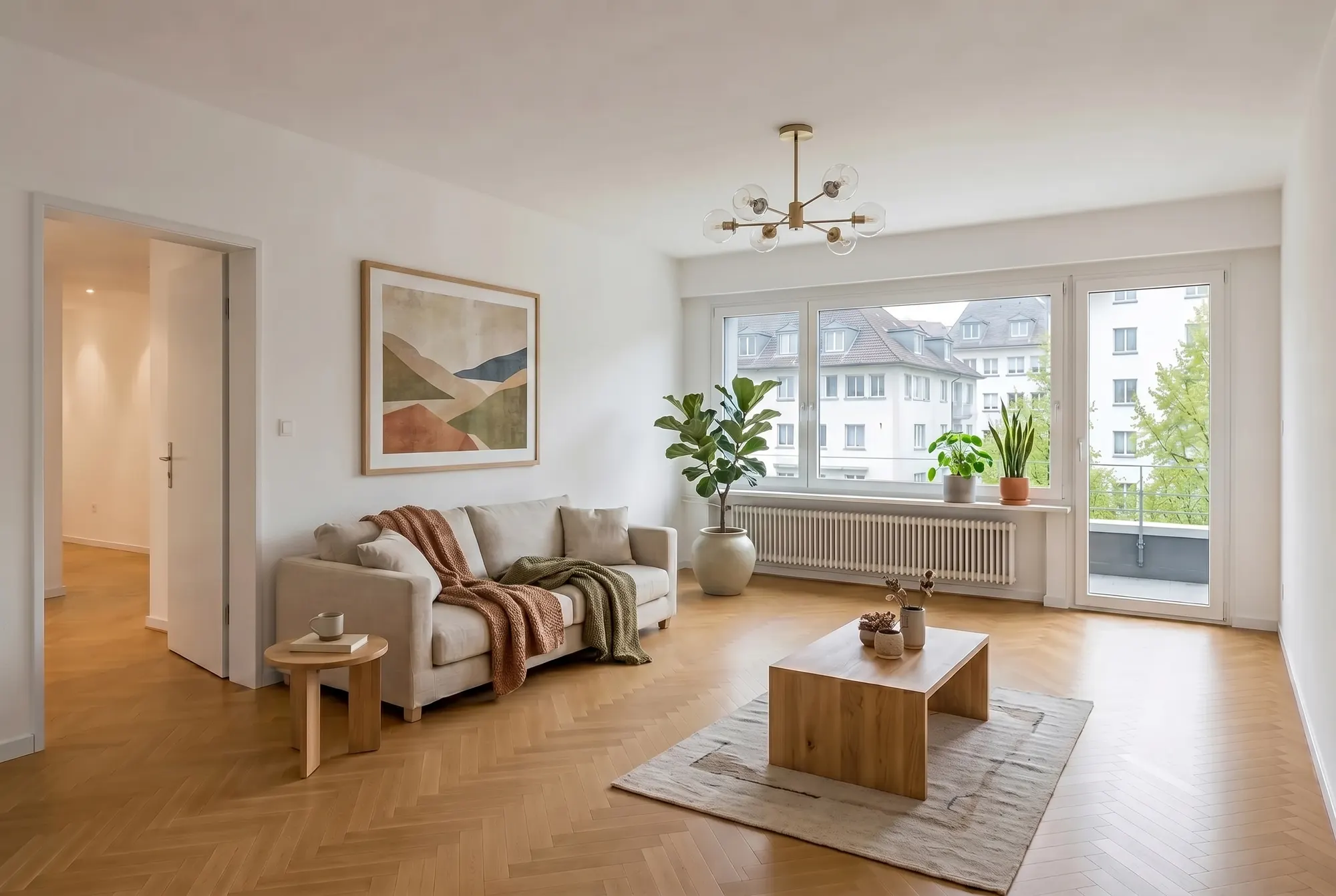
Frequently asked questions
Everything about this tool – answered honestly.
How can I enhance real estate photos without a photographer?
Upload your photos to the Studio and pick an effect: auto enhance fixes exposure, contrast and colours in one click. You can also swap the sky, create a twilight look or straighten converging lines.
What exactly does auto enhance do?
It analyses the photo and corrects exposure, contrast, white balance and colour casts – subtle enough to look natural, but noticeably more professional.
Is it allowed to replace the sky?
Optimising weather and lighting is common and acceptable as long as the property itself is represented accurately. Retouching away defects would not be – and that's not what the tool is for.
What is a twilight photo?
An exterior shot at blue hour: deep blue sky, warmly lit windows. These photos stand out on portals – the AI creates the look from a normal daytime shot, no second photo session needed.
Does it work with phone photos?
Yes. Phone photos benefit the most: the AI automatically compensates typical weaknesses like flat colours, tilted lines and poor exposure.
Get more out of your photos
One upload, many tools: these tools work with the same listing photos.
Enhance your photos – free
Upload a photo and compare the result in seconds. No credit card, right in your browser.