

NESTERMIND AI STUDIO
Visualize the renovation.
Make potential visible.
Properties in need of renovation sell on their potential – but few buyers can picture it. The Studio visualizes the renovation photorealistically: modern finishes, freshly painted walls or an upscale marble look, without changing the architecture.
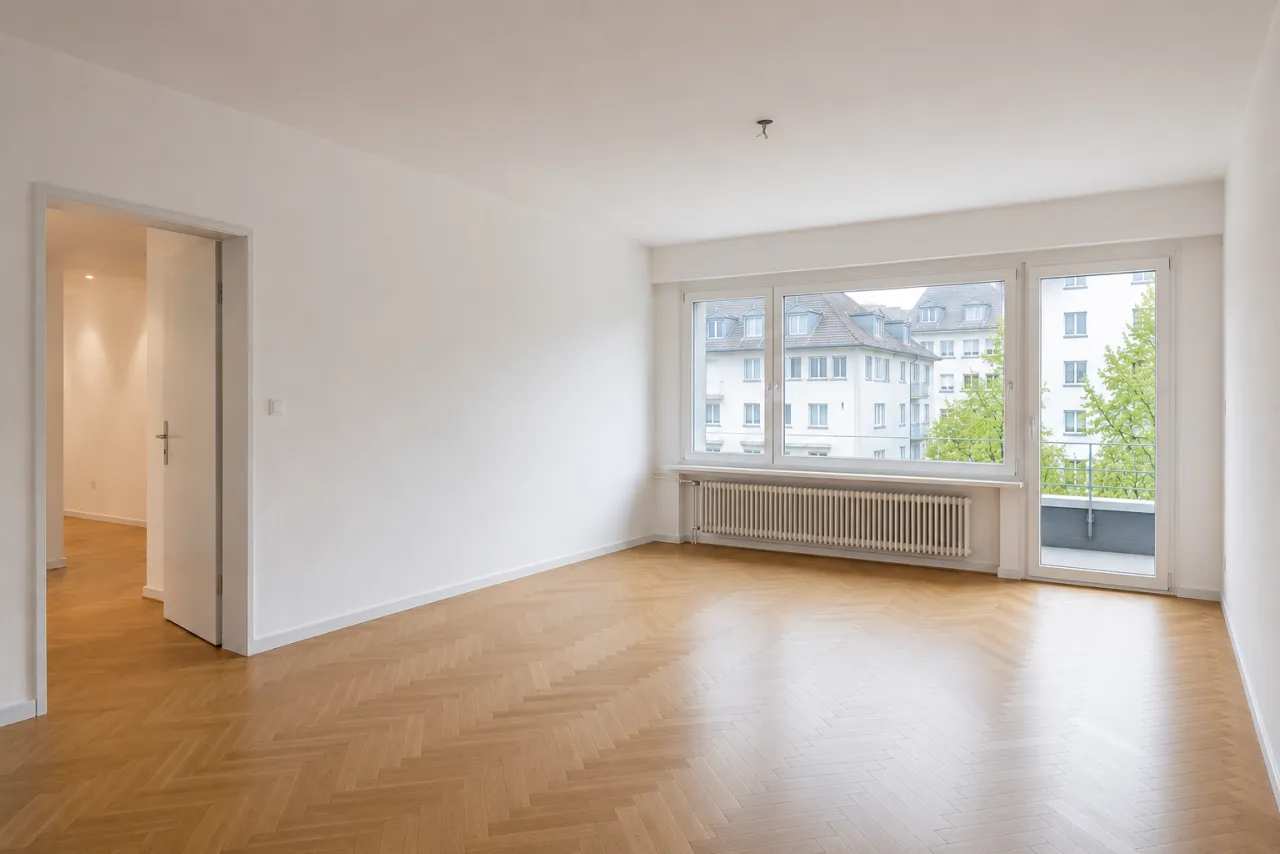
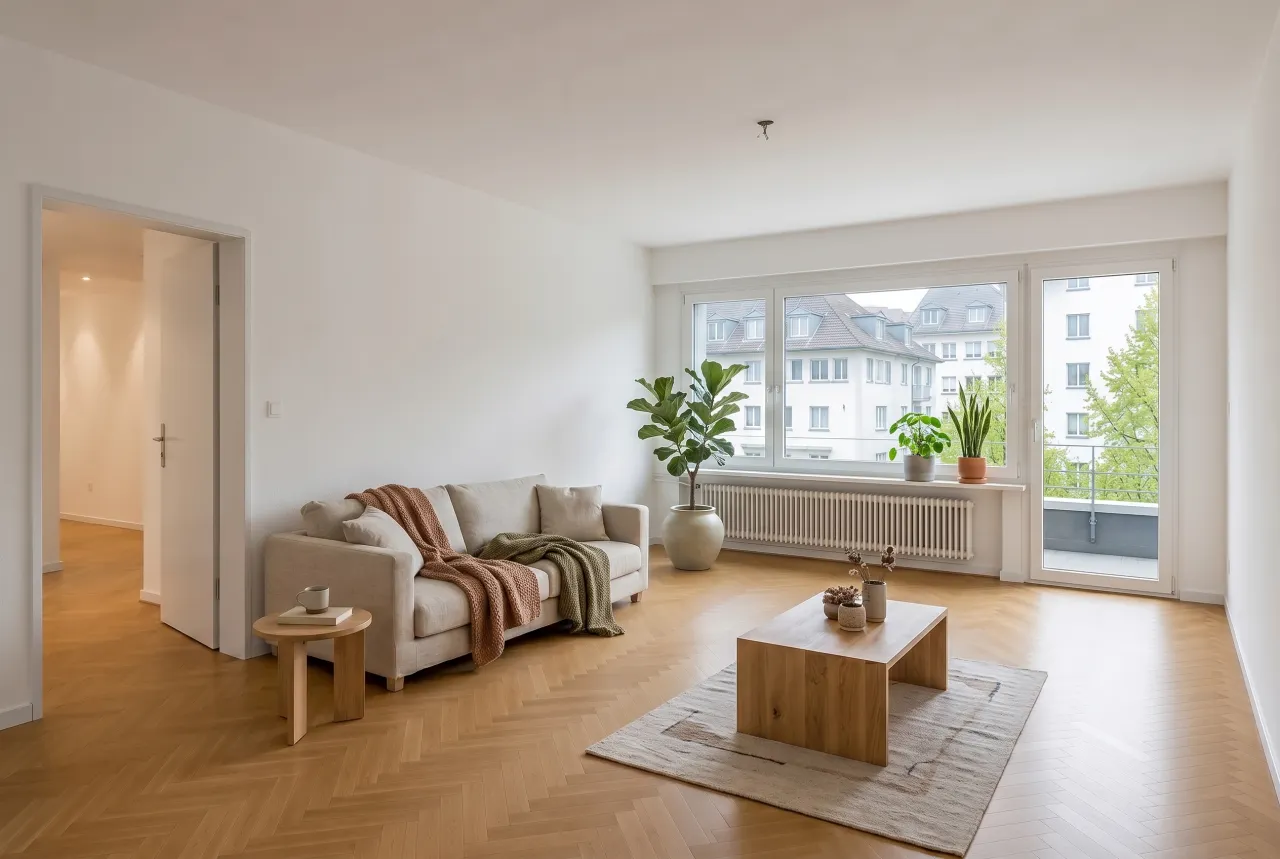 BeforeRenovated
How to visualize renovations
From current state to vision – in three steps.
Upload a photo
The current state is enough – even for older properties.
Pick a style
Modern finishes, fresh white or luxury marble: the AI renews floors, walls and fronts photorealistically.
Show before/after
Use both images in the listing or exposé – labelled as a visualization.
01. Modern finishes
Floors, fronts and details renewed
Worn kitchens and bathrooms look refurbished: the AI replaces surfaces with contemporary materials – the layout stays.
Renew the finishesBeforeRenovated02. Fresh white
New paint, new light
Yellowed walls and dark corners disappear: the fresh-white look makes rooms bright, neutral and easy to imagine.
Try the paint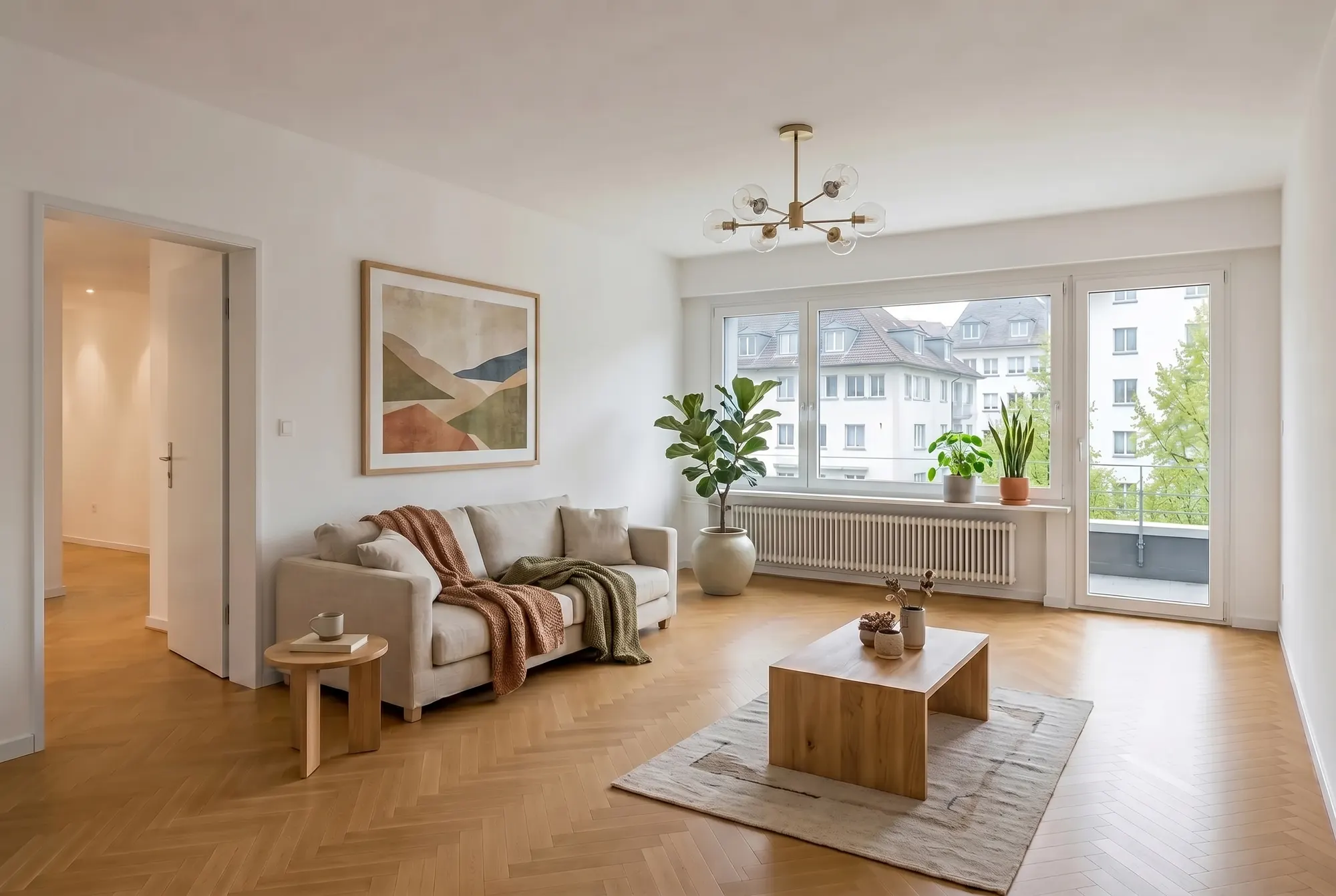
03. Luxury upgrade
The marble look for premium listings
For high-end marketing: premium materials and a finish that speaks to a discerning audience.
Try the luxury look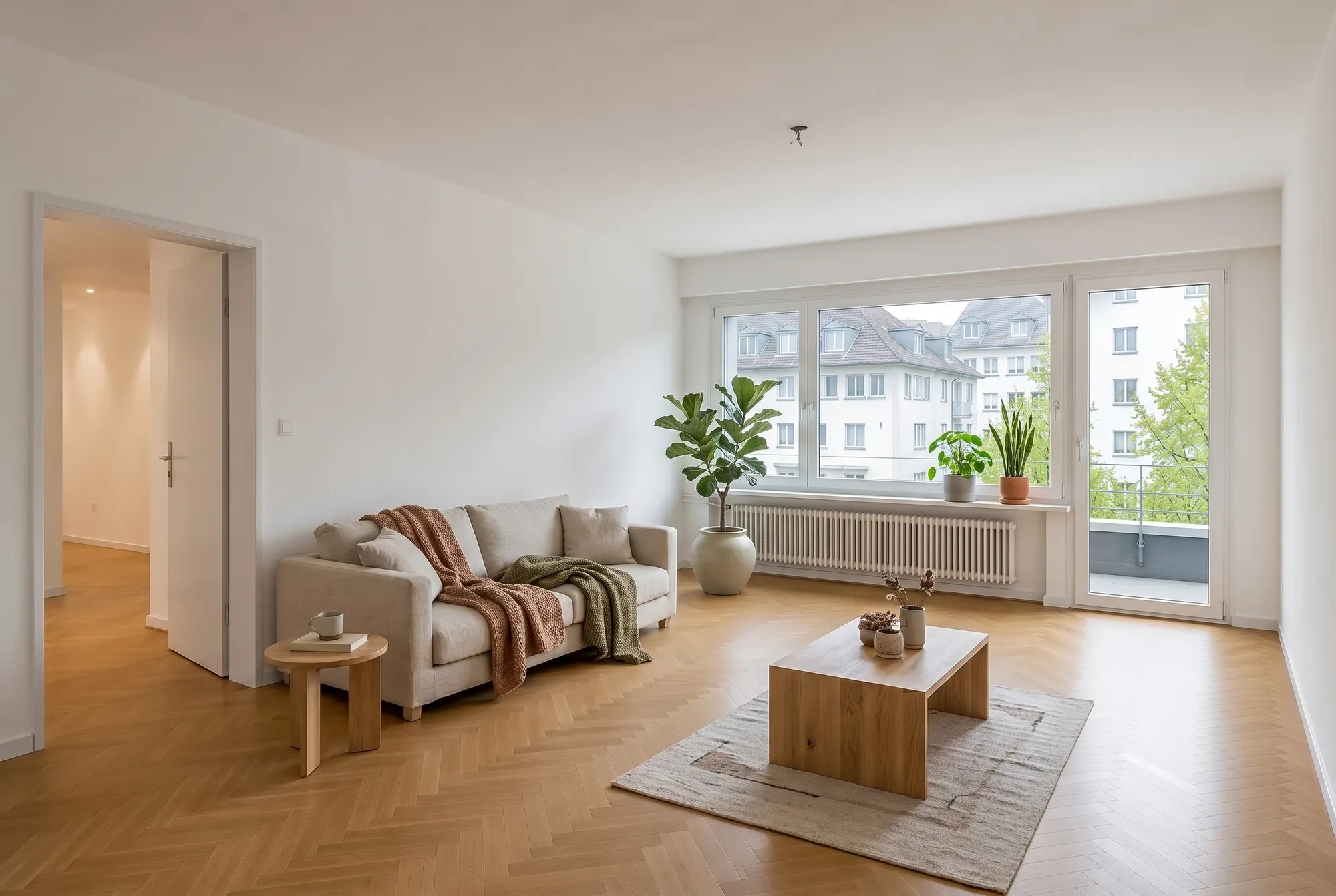
Frequently asked questions
Everything about this tool – answered honestly.
How can I visualize a renovation?
Upload a photo of the current state to the Studio and pick a style: the AI renews finishes, walls and fronts photorealistically – a credible after image in seconds.
Does the AI change the room's architecture?
No. Walls, windows, doors and layout remain untouched – only surfaces like floors, paint and fronts are renewed. That keeps the visualization realistic and credible.
Do I have to label visualized renovations?
Yes, we clearly recommend it: label the images as visualizations and show the original next to them. That sparks imagination without creating false expectations.
Which properties benefit most?
Anything that sells on potential: flats in need of refurbishment, inherited properties, older family homes. Buyers stop seeing the condition and start seeing the possibility.
Can I show several variants?
Yes. Generate different styles – modern, fresh white or marble – and show in the sales conversation how differently the same property can feel.
Get more out of your photos
One upload, many tools: these tools work with the same listing photos.
Show your property's potential
Upload a photo and visualize the renovation in seconds – free, in your browser.